This tutorial will explain how to generate code for multiple color palettes for 1 certain ad.
What do you need?
An Adsense account.
Step Number One:
login and go to the AdSense for content setting.
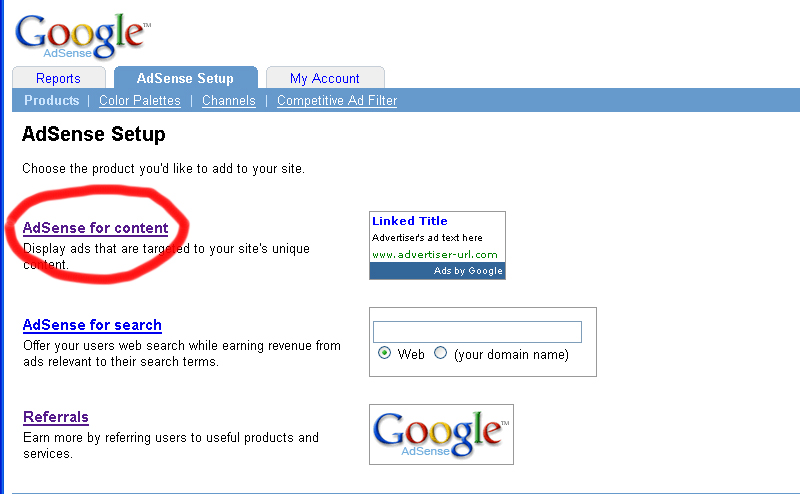
Step Number Two:
Select Ad unit- text and image ads (default). (it actually doesn't matter if what you choose there..)
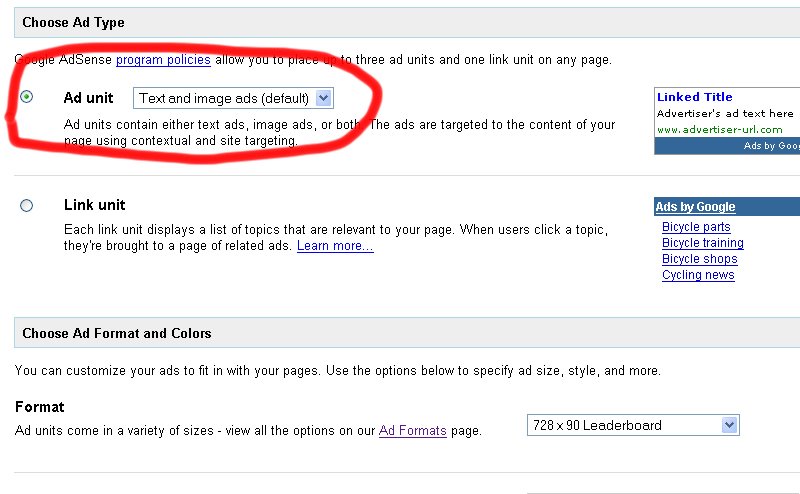
Step Number Three:
Select an Ad format. It doesn't matter which one..
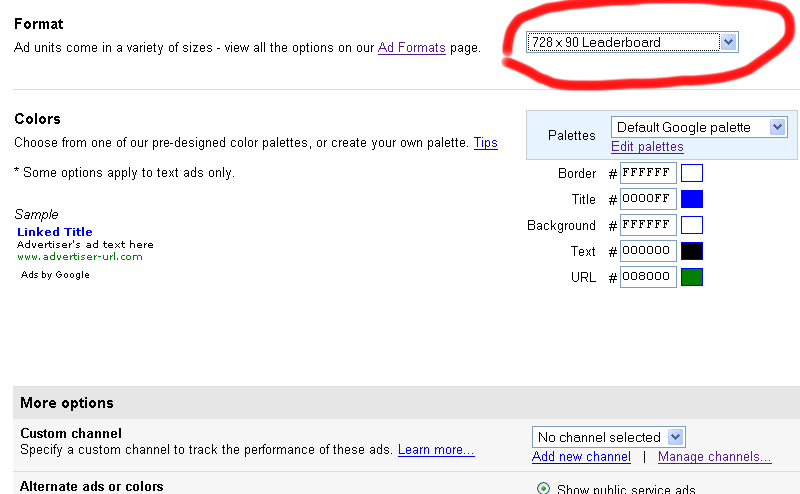
Step Number Four:
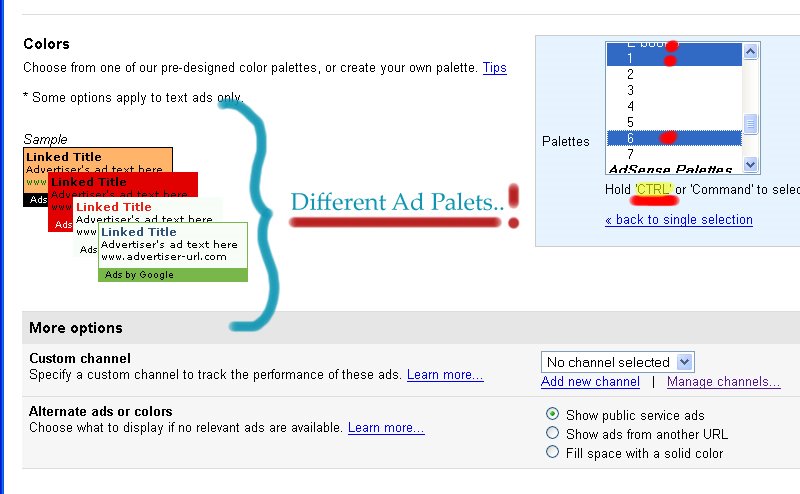
In the color palate, choose 'use multiple palettes normal;">'.
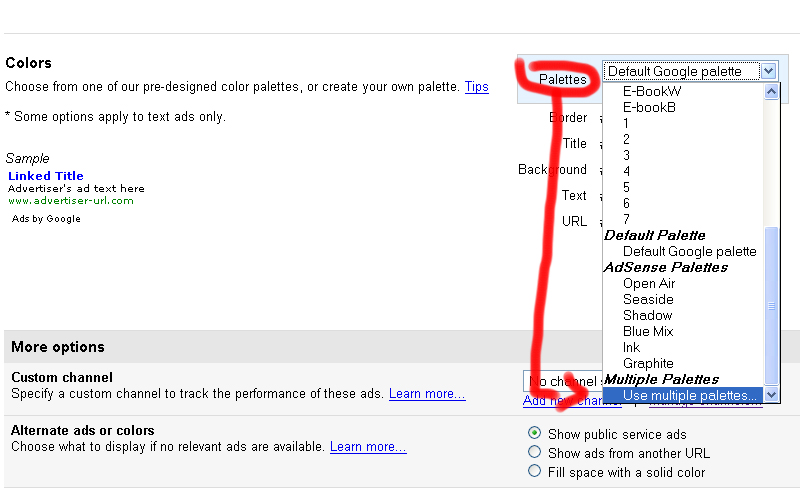
Step Number Five:
Select by holding down the 'ctrl button, the palettes you want to use. (you get a preview of 4 different palettes, on the left. If you select more than 4 different palettes, it will still work, but you won't see them all in the preview.)
Step Number Six:
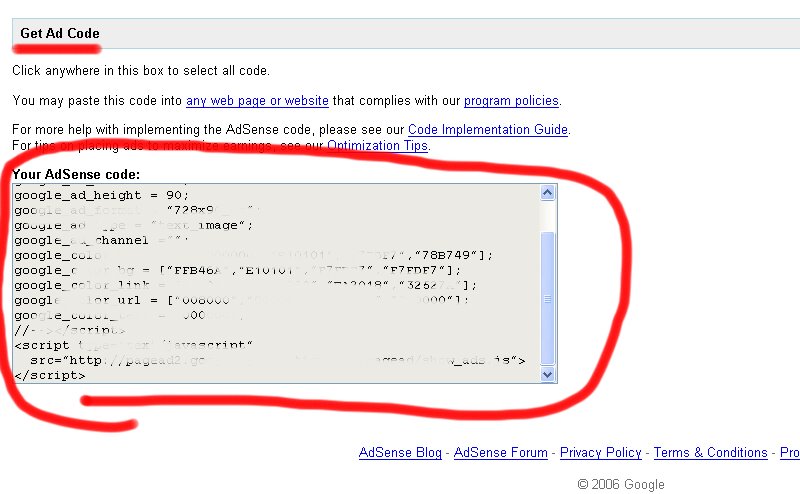
Copy and paste your code into the suitable place.
And that rounds up this tutorial!
Hope it helped you out.

No comments:
Post a Comment